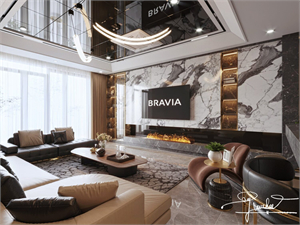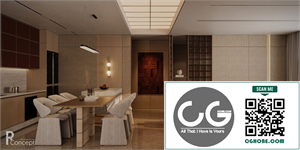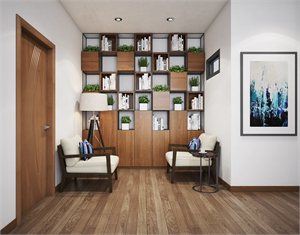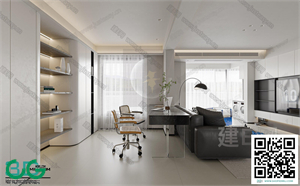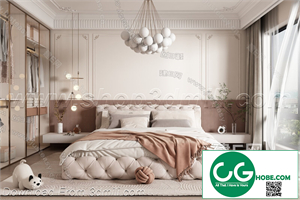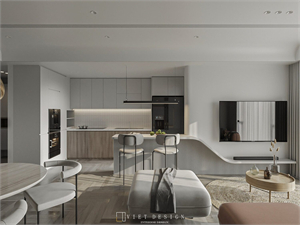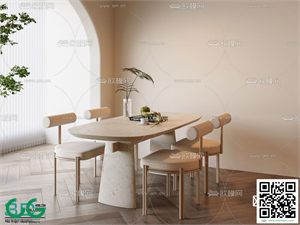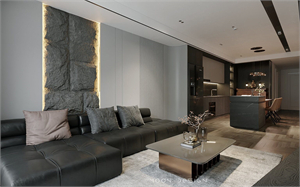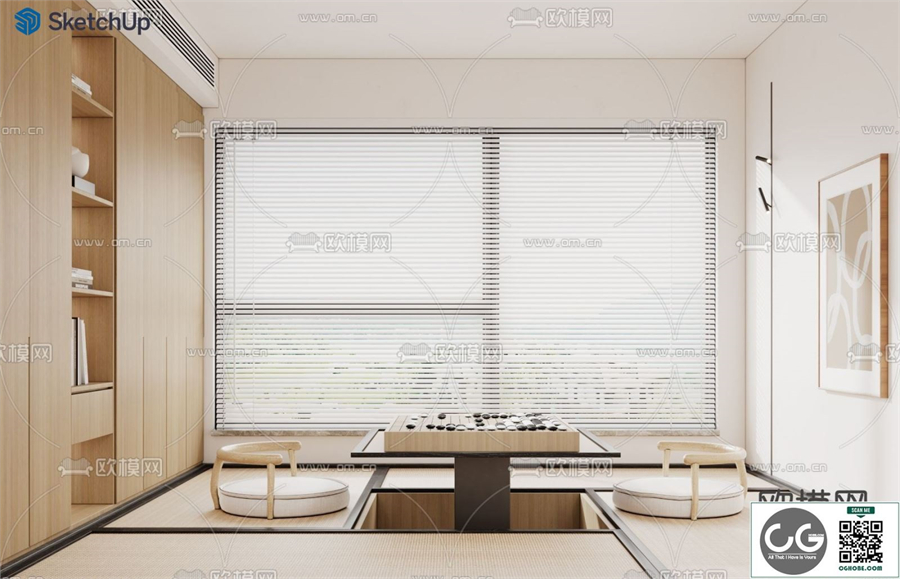
## TEAROOM SKETCHUP MODEL: A Deep Dive into Design and Creation
This document provides a comprehensive exploration of the design and creation process behind a _TeaRoom SketchUp Model_. We will delve into the various stages, from initial conceptualization and design choices to the technical aspects of modeling in SketchUp, material application, and rendering. This detailed walkthrough aims to provide both inspiration and practical guidance for anyone interested in creating their own virtual tea room or exploring architectural visualization using SketchUp.
Part 1: Conceptualization and Design Inspiration
The genesis of any successful design lies in its conceptualization. Before even opening SketchUp, it's crucial to establish a clear vision for the _tearoom_. This involves several key considerations:
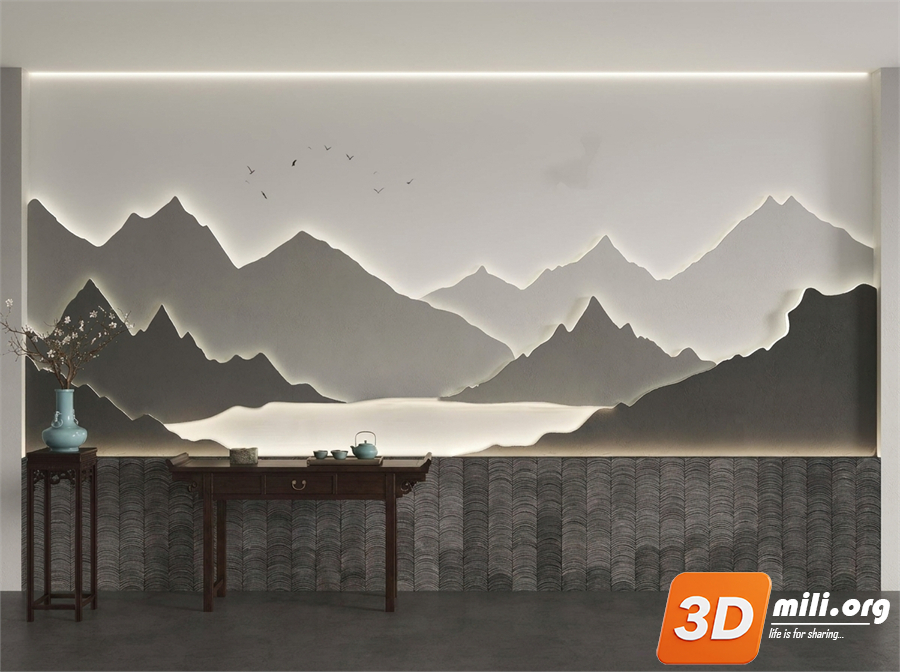
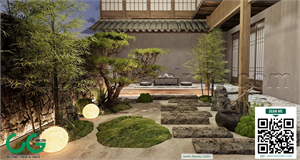
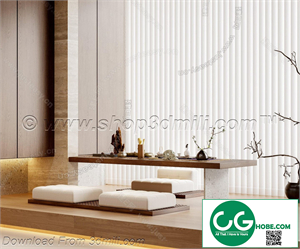
* _Style and Theme_: The _tearoom_ could embody a multitude of styles, from the serene elegance of a traditional _Japanese tea house_ to the whimsical charm of a Victorian-era _afternoon tea parlor_, or the modern minimalism of a contemporary _tea bar_. Defining the style early on dictates material choices, furniture selections, and overall aesthetic. Consider researching existing tea rooms for inspiration, noting elements you find appealing and those you wish to avoid. Pinterest and Instagram are valuable resources for visual inspiration.
* _Target Audience_: Who is the intended user of this _tearoom_? Is it a high-end establishment catering to discerning clientele, a casual spot for students, or a family-friendly space? Understanding your target audience informs design decisions related to space planning, seating arrangements, and overall ambiance. For example, a family-friendly _tearoom_ might incorporate more playful elements and child-friendly furniture, while a high-end establishment would demand a more refined and sophisticated atmosphere.
* _Space Planning_: This involves the layout and arrangement of the _tearoom's_ interior. Consider the flow of traffic, placement of seating areas, the location of the service counter, and the overall spatial dynamics. Sketching floor plans by hand is a useful preliminary step before transitioning to the 3D modeling process in SketchUp. Think about incorporating different zones: a seating area for relaxed tea drinking, a display area for teapots and accessories, and possibly a separate area for food preparation if applicable.
* _Lighting and Ambiance_: Lighting plays a crucial role in setting the mood and ambiance of the _tearoom_. Consider natural light sources (windows, skylights), ambient lighting (overhead fixtures, wall sconces), and accent lighting (spotlights on display items). Warm lighting generally creates a more inviting and comfortable atmosphere, while cooler lighting can lend a modern or sleek aesthetic.
* _Material Palette_: The choice of materials significantly impacts the overall look and feel. Consider materials like wood (for flooring, tables, and cabinetry), stone (for countertops and flooring), fabrics (for upholstery and curtains), and other decorative elements. Maintain a cohesive material palette to achieve visual harmony and reinforce the chosen style.
Part 2: Modeling in SketchUp – The Technical Aspects
Once the conceptual phase is complete, the actual modeling process in _SketchUp_ can begin. This stage involves translating the design vision into a three-dimensional digital representation.
* _Creating the Base Model_: Begin by creating the basic framework of the _tearoom_ using SketchUp's intuitive tools. This typically involves defining the walls, floor, and ceiling. Pay attention to accurate dimensions and measurements to ensure realism. Utilize the _Push/Pull_ tool extensively to create various shapes and forms.
* _Adding Details_: Once the main structure is in place, add finer details such as windows, doors, built-in cabinetry, and other architectural features. Utilize layers effectively to organize your model and make it easier to manage. Employ the _Component_ feature to create reusable elements like chairs, tables, and teacups. This will save time and maintain consistency throughout the model.
* _Furniture and Fixtures_: Incorporate furniture specific to the _tearoom_'s design. This might include tables and chairs, a counter, display cases, and other relevant items. You can model these elements from scratch or download pre-made models from online resources like the SketchUp 3D Warehouse. Remember to pay attention to scale and proportion.
* _Material Application_: Apply appropriate materials to the various surfaces. SketchUp offers a wide range of built-in materials, but you can also import your own textures and images. Experiment with different materials to achieve the desired visual effect. Realistic material application significantly enhances the realism of the final rendering. Consider the _glossiness, roughness, and reflectivity_ of different materials to enhance their realism.
* _Lighting and Shadows_: Add realistic lighting to simulate natural and artificial light sources. This will dramatically improve the visual appeal of the rendered image. Experiment with different lighting techniques, such as adding area lights, point lights, and sunlight. Pay close attention to how light interacts with surfaces and creates shadows, adding depth and realism to the scene.
Part 3: Rendering and Post-Production
Once the _SketchUp model_ is complete, the next stage involves rendering the model to create high-quality visuals.
* _Choosing a Renderer_: Several rendering options are available, both within SketchUp and as external plugins. Options like V-Ray, Enscape, or even SketchUp's built-in rendering capabilities can generate stunning images. Each has its own strengths and weaknesses regarding rendering speed, realism, and control over settings.
* _Rendering Settings_: Carefully adjust the rendering settings to achieve the desired level of realism and detail. This includes adjusting parameters like _anti-aliasing, shadow quality, and global illumination_. Experimentation is key to finding the optimal settings for your _tearoom model_.
* _Post-Production_: Once the rendering is complete, you might need to perform some post-production work to enhance the image further. This could involve minor adjustments to color, contrast, and saturation using photo editing software like Photoshop or GIMP. Subtle adjustments can significantly elevate the visual impact of your final image.
Part 4: Conclusion: From Virtual to Reality
The _TeaRoom SketchUp model_ serves as a powerful tool for visualization, communication, and design exploration. It allows you to experiment with different design iterations before committing to a physical build, saving both time and resources. The detailed process outlined above demonstrates how to transform an initial idea into a visually compelling and realistic representation, paving the way for potential construction or simply the satisfaction of creating a stunning virtual environment. The _SketchUp_ model provides a flexible and accessible platform for architectural visualization and interior design, making it a valuable asset for both professionals and aspiring designers. The ability to iterate on designs quickly within the _SketchUp_ environment allows for comprehensive exploration of various styles, material combinations, and spatial arrangements, ultimately leading to a refined and polished final product. This detailed process, from conceptualization to final rendering, provides a roadmap for anyone looking to create their own compelling virtual _tearoom_. Remember that practice is key; the more you work with _SketchUp_, the more confident and proficient you will become in creating detailed and realistic models.